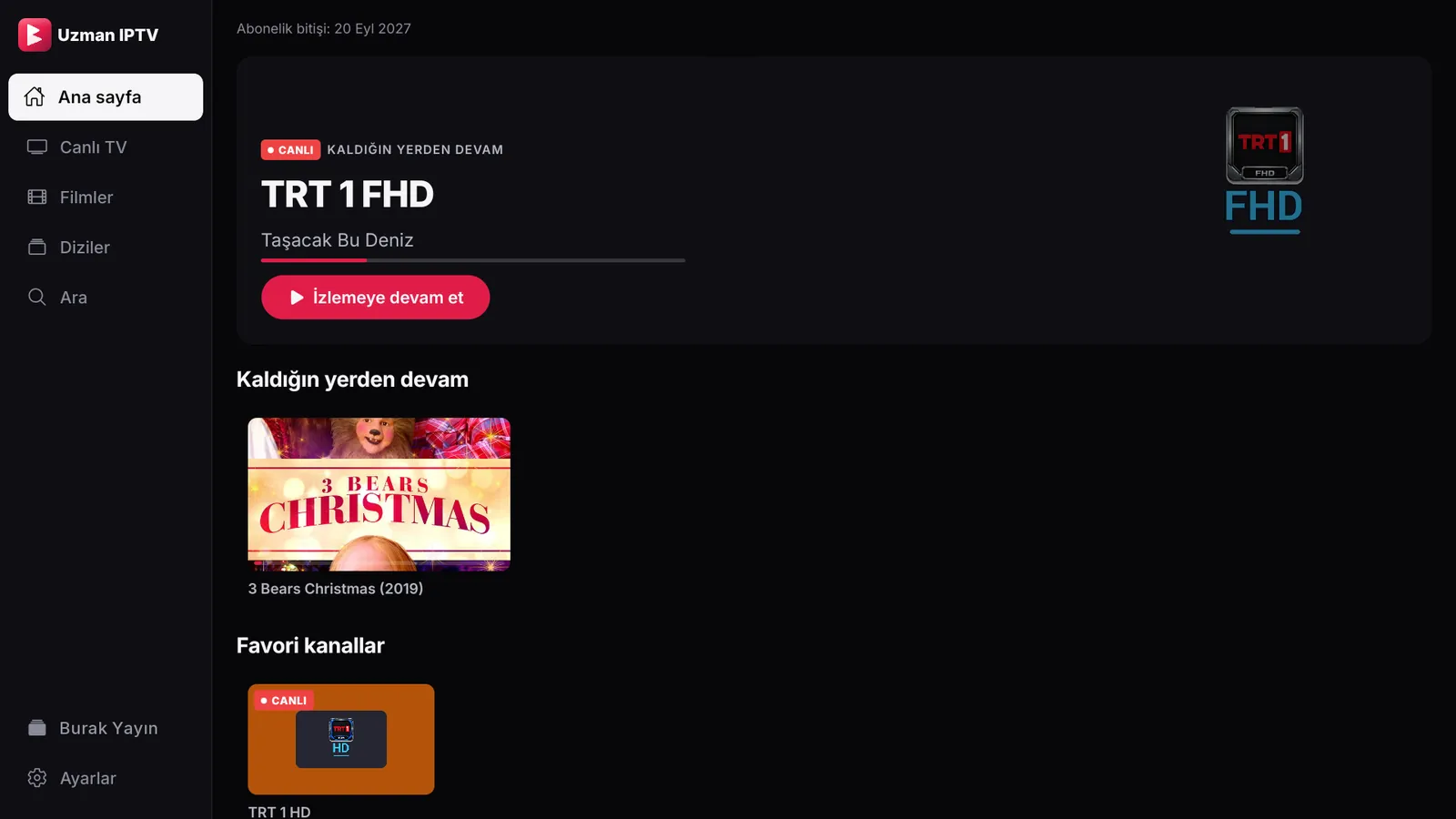
The same on every screen
Phone, tablet, TV or computer: whichever you open it on, the same familiar layout.
 Uzman IPTV Player
IPTV player
Live TV, movies and series in one app. The same layout and the same ease on iPhone, Android, Android TV, LG TV and Windows.
Free for 7 days, no card needed. LG TV Get a license
Inside the app
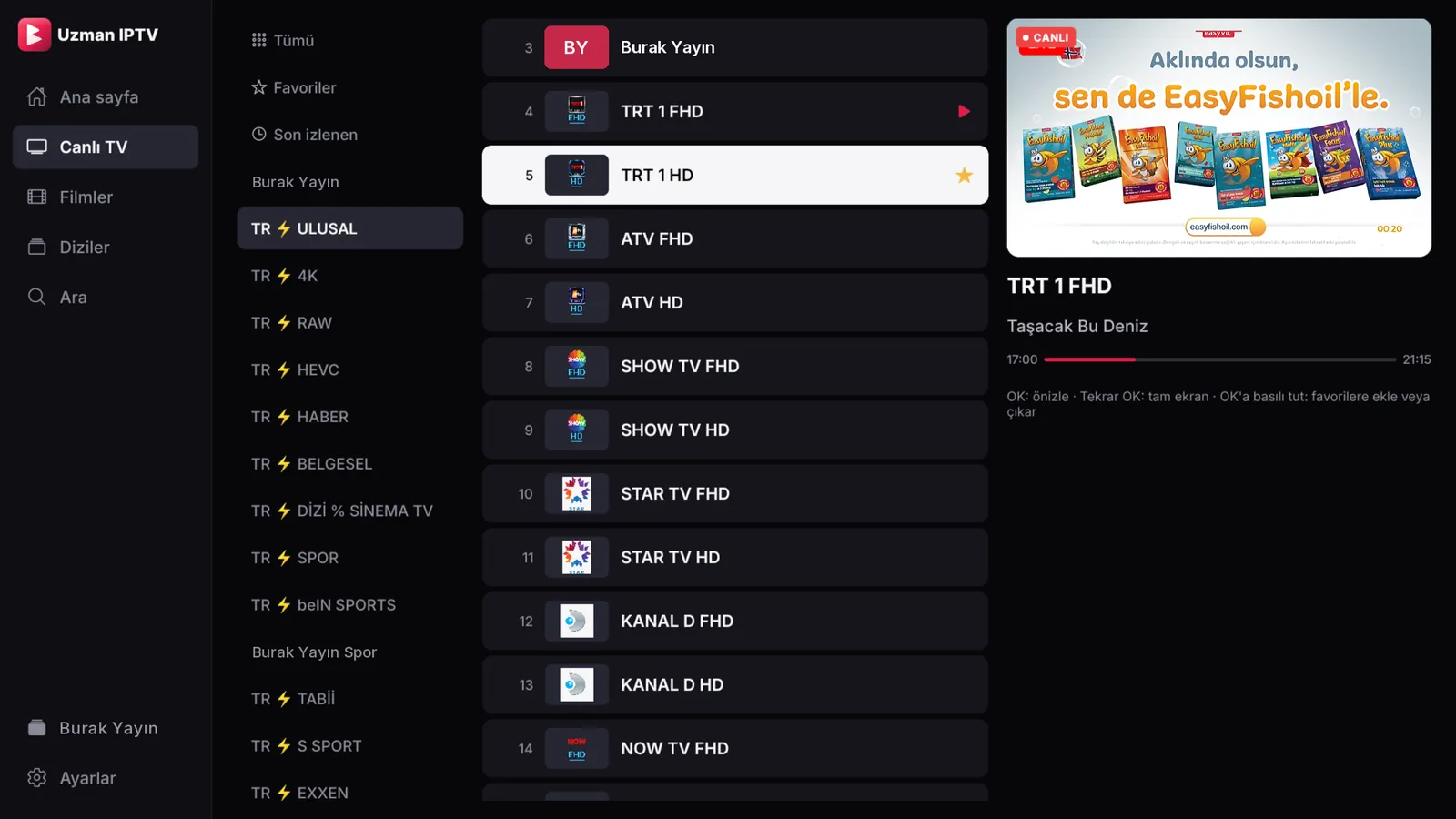
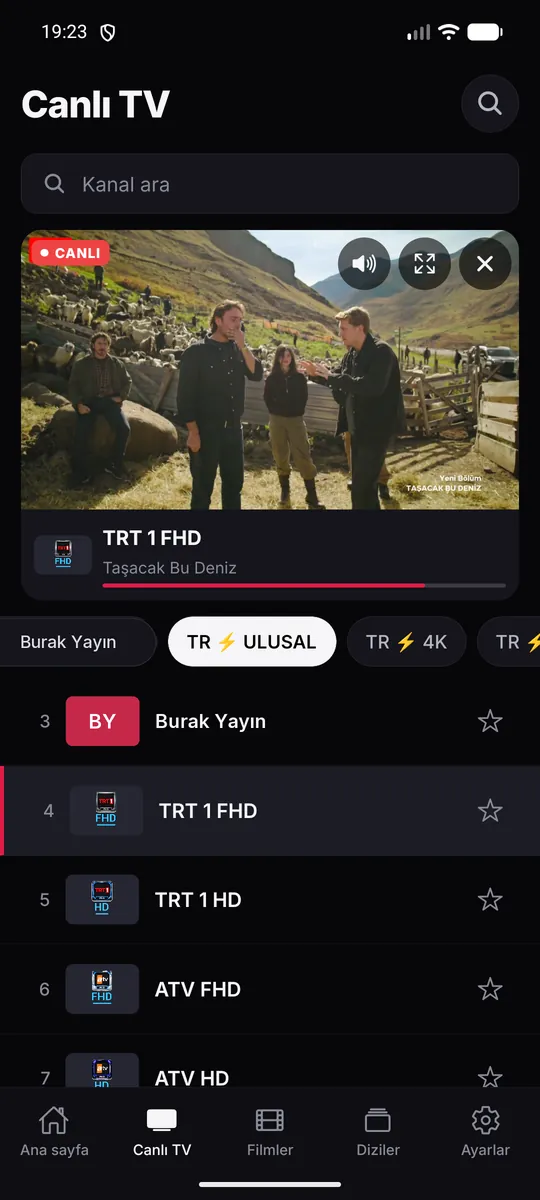
Preview: open a channel in a small window, then go full screen if you like it.
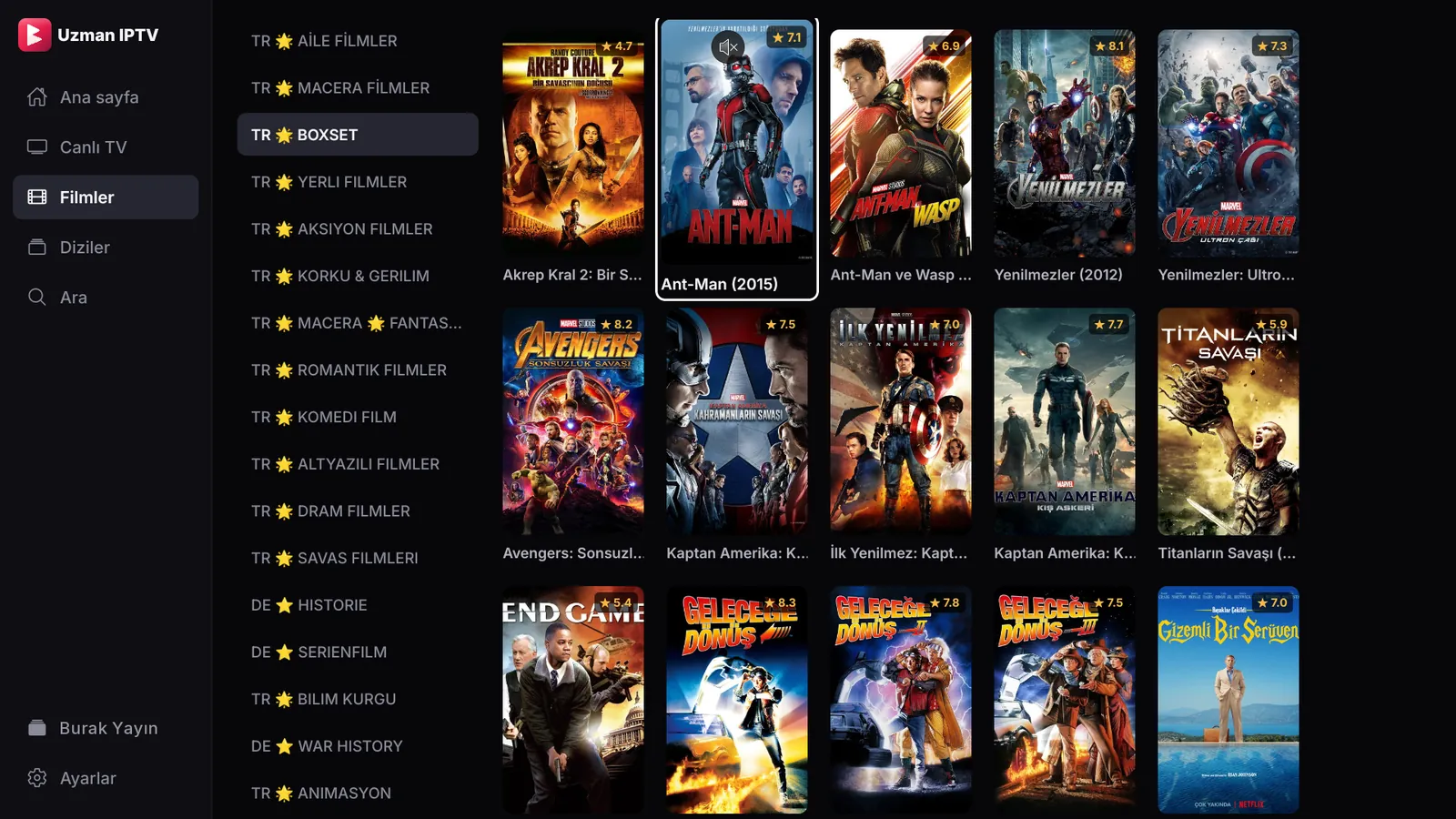
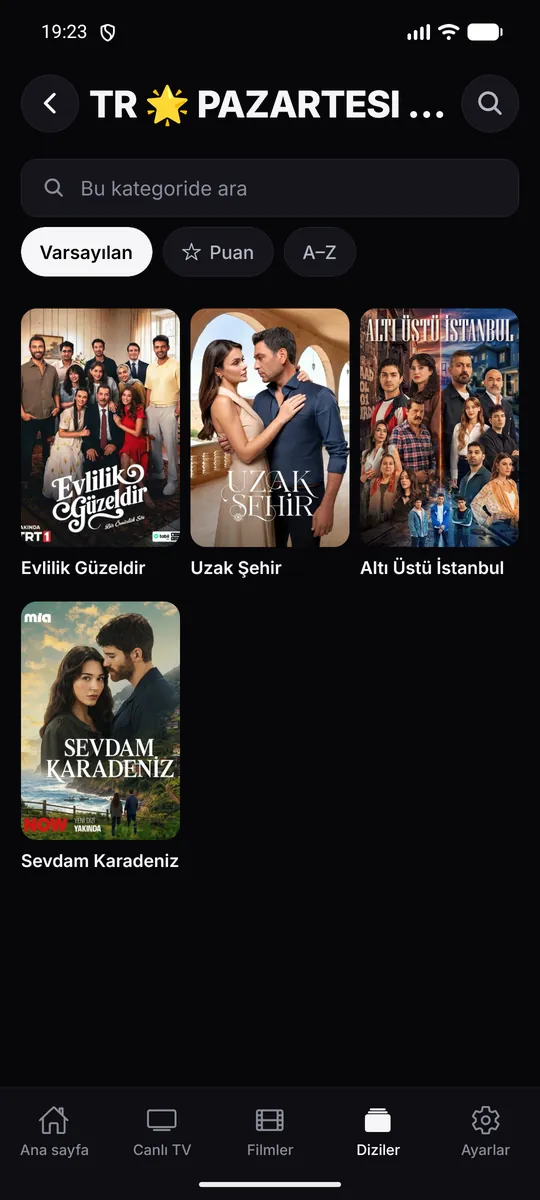
Posters, ratings, plot and cast.
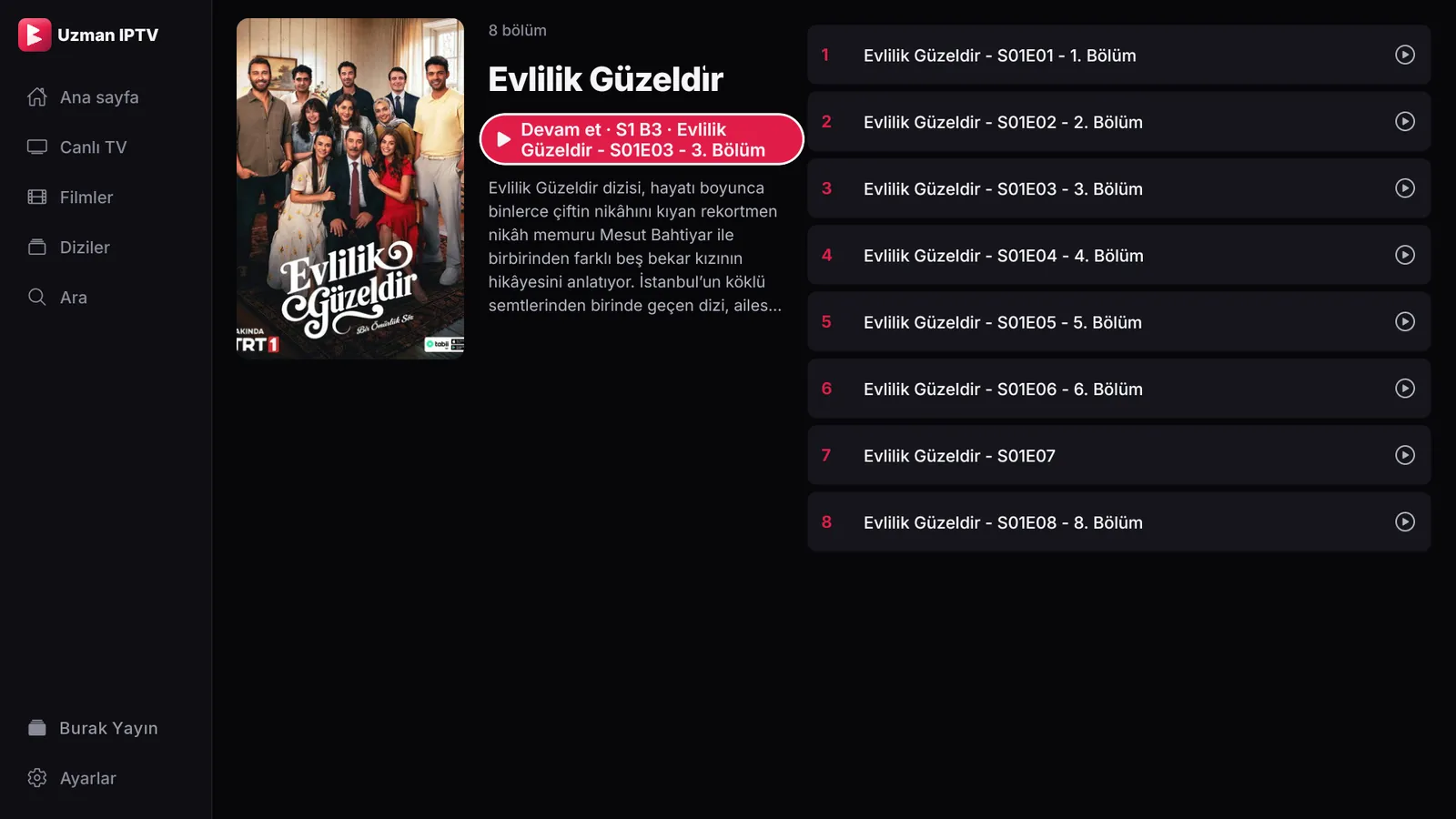
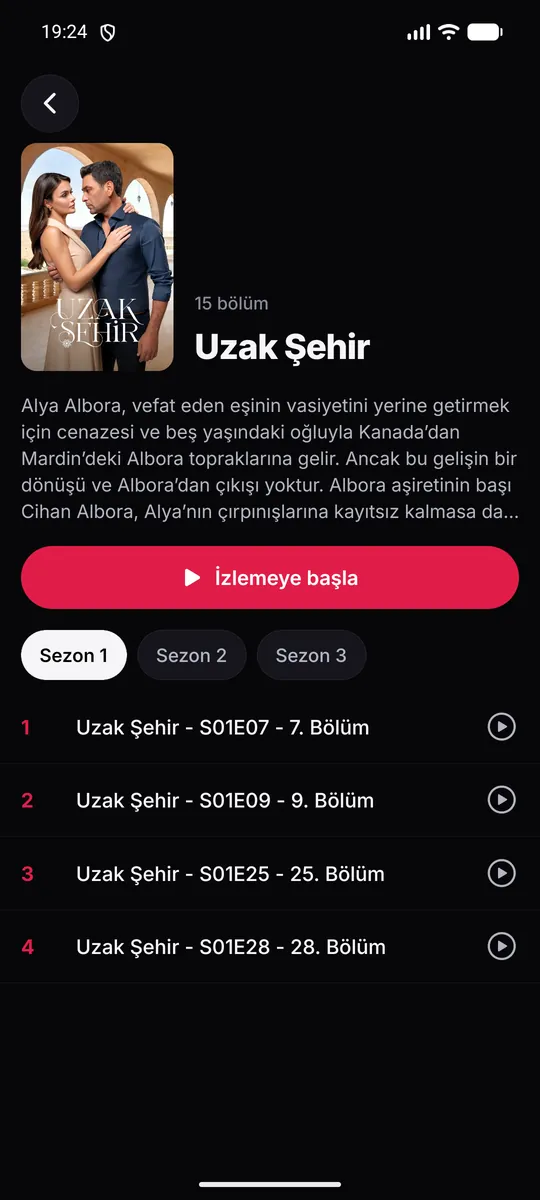
Seasons and episodes, with what you watched marked; “Continue” opens the right episode.
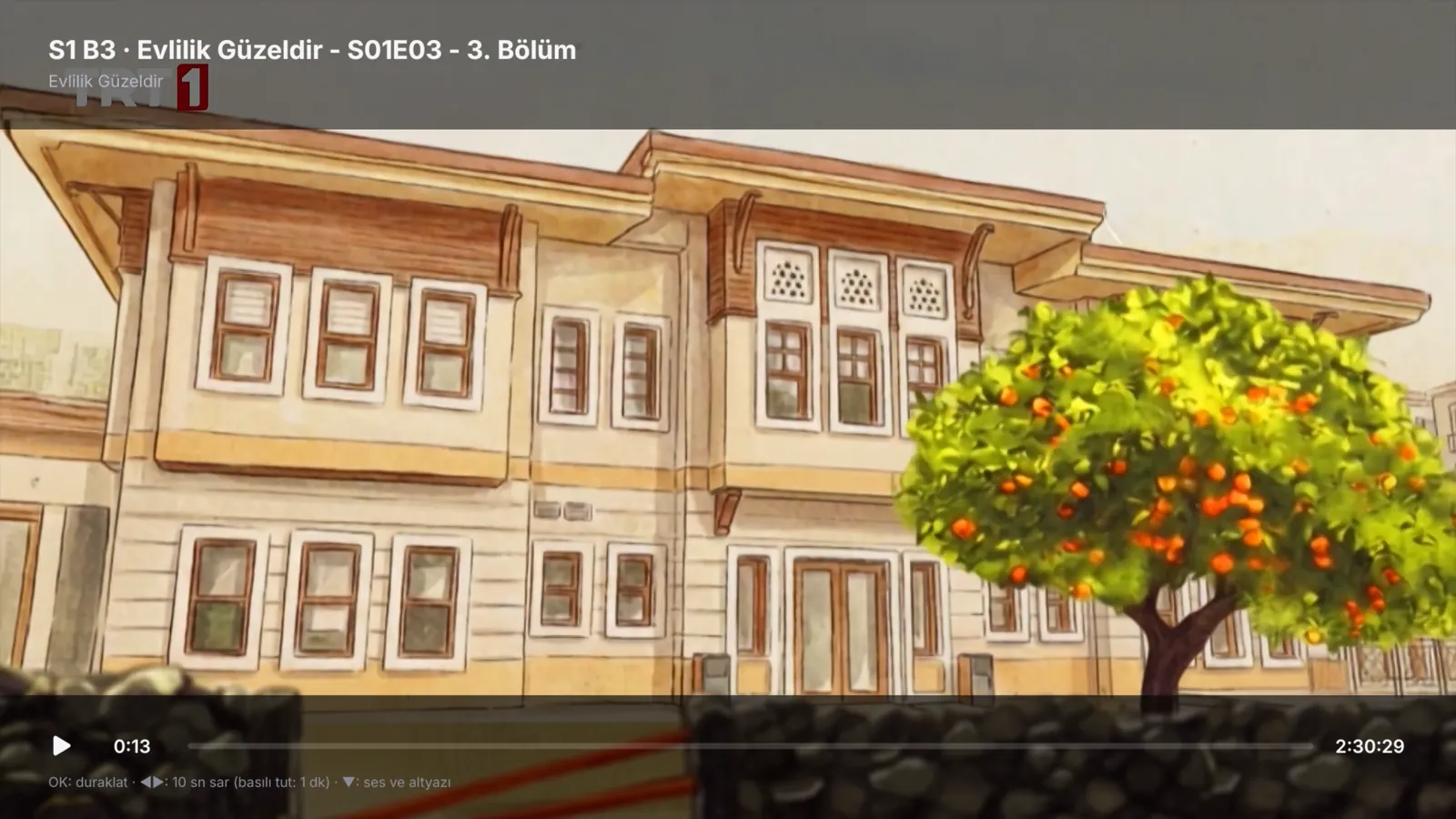
Audio, subtitles and speed; ◀▶ skips 10 seconds, hold for 1 minute.
Why Uzman IPTV Player
Phone, tablet, TV or computer: whichever you open it on, the same familiar layout.
Large, readable TV screens; the arrow keys and OK reach everything.
Scan the QR code on the TV and type your link on your phone. No long addresses typed with the remote.
Unfinished films and episodes wait on the home screen; the next episode starts by itself.
A large buffer, automatic reconnection when a stream drops and, if needed, a lower-quality channel suggested.
Usernames, passwords and playlist links are stored only on your device, encrypted.
Phone and tablet
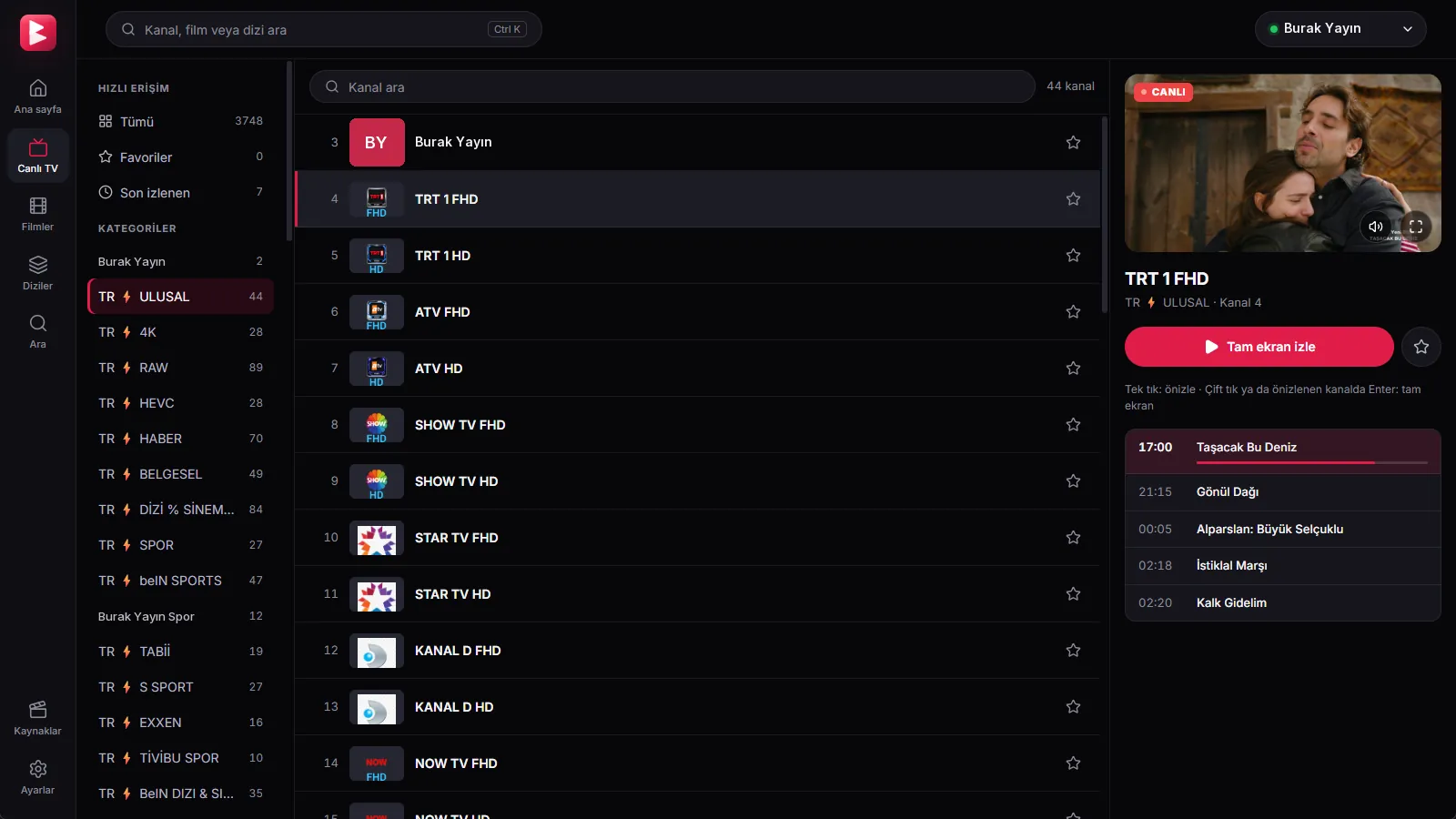

Windows
Platforms
Each device was thought through on its own: for your finger on touch screens, your remote on TV, your mouse and keyboard on a computer.
For Google TV and Android TV devices, with an interface made for the remote.
Google PlayMouse and keyboard, with an installer.
Windows .exeIf Windows shows “Windows protected your PC” during setup, choose “More info” → “Run anyway”.
Roadmap
One-click install with the remote from the LG Content Store; the app is being reviewed by LG now.
Online payment: your license unlocks in seconds, no waiting.
The subtitle search from phones and computers is coming to TVs.
Link your TV to your account; all your devices together in one account.
Getting started
Download the version for your device. The 7-day trial starts by itself the first time you open it.
Enter your M3U link or Xtream details. On a TV, scan the QR code and type them on your phone.
If you like it, get a license with the device code shown in the app’s Settings.
License
Enter your device code, see its status and send a license request. We get back to you shortly with the price and how to pay.
Enter my device codeOn iPhone and iPad the license is bought in the app, through the App Store.
Guides
FAQ
No. Uzman IPTV Player is a player; it provides and sells no content. You add your own IPTV subscription (M3U link or Xtream details) that you have the right to watch.
With providers that give an M3U / M3U8 playlist link or support Xtream Codes. With Xtream, movies, series and account details come too.
The app shows its device code; you get a license with it. Then press “Check” in the app; your playlist and settings stay as they were.
A license goes to one device. With several devices, a free account keeps them all together.
Your username, password and playlist link are stored only on your device, encrypted, and never sent to us. We do not see what you watch and show no ads.
No. Scan the QR code on the TV’s “Add with phone” screen and type your link on your phone; it reaches the TV in a few seconds.
Leave your number for a license, help with setup or any question; we will get back to you soon. No device code needed.
Try it free for 7 days; if you like it, pay once and keep it for good.